
? Help
Updated 23-04-03 : 20:15
And that’s a wrap for now. Finally
Turns out that ’ " ’ is apparently not the same at all as ’ “ ’ !!!
This post is written - and being updated - in Drafts, courtesy of a plugin by @donnydavis
I am using it to test and edit a set of terms that are the start of my new glossary (an @AndySylvester plugin)
Test Glossary
Terms
-
-
identity
-
data
-
tech
-
work
-
commerce
-
learning
-
Language is one of the 8 pillars of People First thinking where we explore the subtle art of manipulating conversation and dialogue through the careful choice of words. It’s rampant.
-
value
Links
For a while I have been using Bookmarks to (inconsistently) mark posts where someone in the community has offered help on some aspect of Micro Blog or related services that I had been stuck with. Meanwhile I also had a new category - called ‘help’. So - the last few posts allowed me to unbookmark the posts in question and it is now indexed on my Help category. This is definitely NOT a replacement for the excellent help resources that already exist …
TIL - thank you @SimonWoods
Custom MicroBlog - thank you @miraz @jsonbecker @hall
Are there any others? (Let me know in the comments and I will add.)
That said, maybe there is something here you might find useful and interesting. (As of February 18th, it is a short list - but I am currently re indexing my back catalogue, so I expect a few more will surface as I go.)
Thank you @amit
Thank you @bradenslen
🚧 Not sure what the plan is … or even if there is a plan … but I would vote from some more thought into how pages work on Micro Blog. Everything works just fine for a handful, but I am now over 20 and counting. It is starting to get hard to keep track of them with just a list;
- which pages belong together❓
- nested in the menu❓
- is it showing on the menu or not❓
My kluge is to use emojis
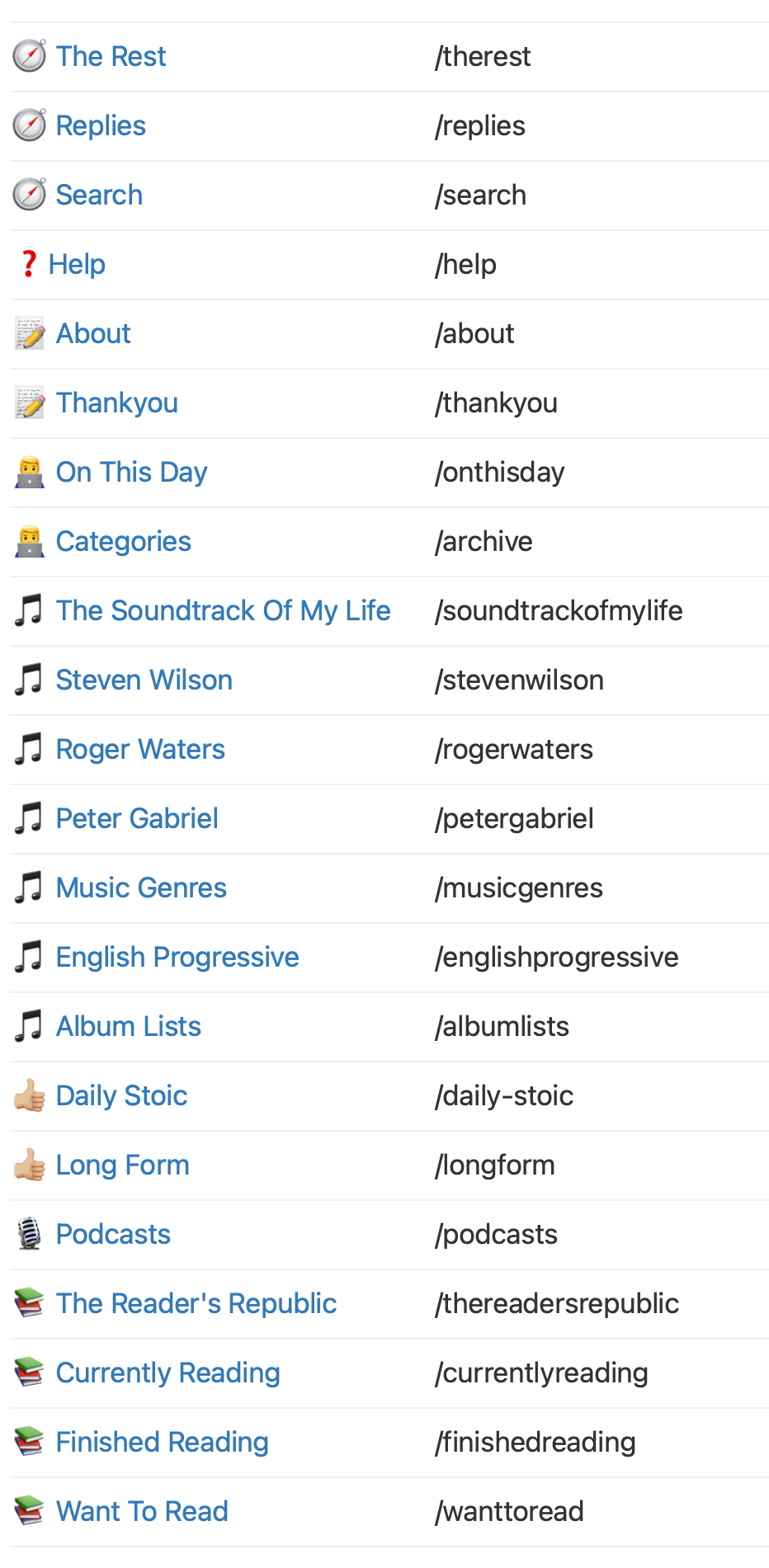
… but emojis in the page title do not consistently show up on the site. See this compared to this for example - and yes - not yet fully consistent with
- my page URL naming convention
- pages that seek to help in some category promotion
Setting Categories Automatically On MicroBlog
It’s interesting how small things mess you up. I am putting some time into trying to make it easier to find stuff on my blog and recently discovered filters where you can “automatically set categories when text in new posts matches a filter”.
For new posts it seems to work flawlessly. The cool thing is that you can ‘Run Filter’ - which essentially means that it will go off and apply that rule to your archive. It works.
Of course if you have a lot of posts (sorry), it might take some time - but it does seem to get there. So. after a while, when I view the categories I can see the post count increasing. And - when I look at the posts through the lens of Mars Edit I can see all the new posts where the category has been applied.
All good. UNTIL. I noticed that though every thing SEEMED to be working - actually, over on the web site, the categories were not being allocated. Turns out patience is a virtue - because after several days (I kid you not) elapsed, it seemed that everything was also working on the site. All good.
( @manton - is this time delay expected behavior?)
All good until I set up the filter to
find text = ‘youtube.com/watch’ and add that post to the category ‘myyoutubes’.
The wait aside, it ran like a dream. Except it didn’t. I realized that posts that definitely contained links back to YouTube were not being picked up. I ran the filter again - and waited. TWICE. Nothing changed.
This morning I discovered why.
Turns out that there is a second URL format that YouTube uses … youtu.be
I am guessing that the youtube syntax varies depending on whether you are on a computer versus iOS or something similar. Anyway, I then set up a second filter that adds the post to the same category - and … it is now working (wait aside)
BTW, the really cool thing is that I also use the plugin ‘Lite YouTube for Micro.blog by @rknightuk - so those links automatically render as embedded videos on my site. 🖇️ Say, like this one - which at time of typing still hasn’t been correctly allocated its category - but I am keeping an eye on it.
Readwise Help for Readwise People
Readwise views are really useful but the commands to do what you want are not obvious. These two from the horse’s mouth we know as Dan Doyon.
Show me all docs that have no tags: has__not:tags
Show me all docs that have no highlights: has__not:highlights
Show me all docs that have highlights: has:highlights